How do I read the Pinout (Face View) Diagram?

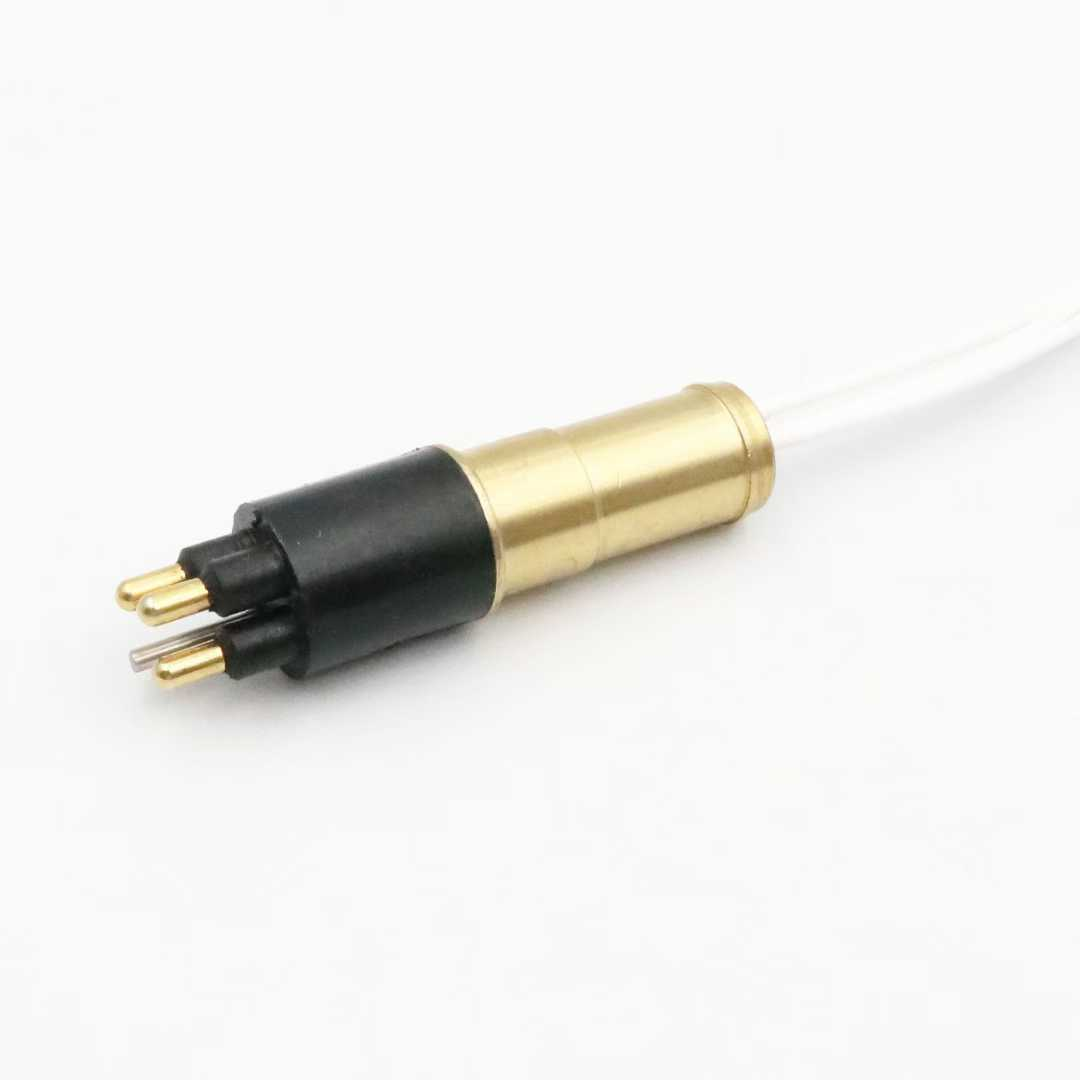
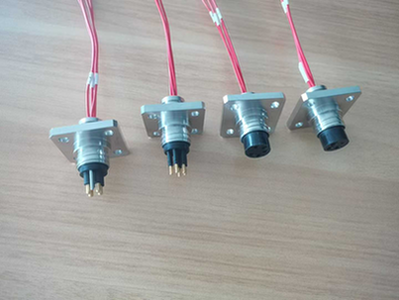
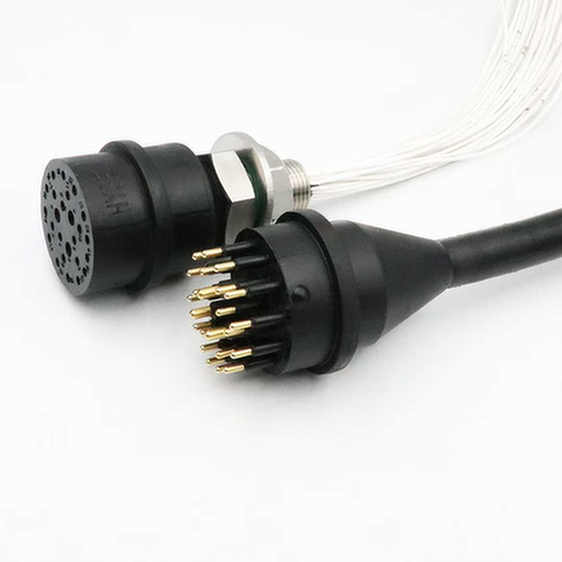
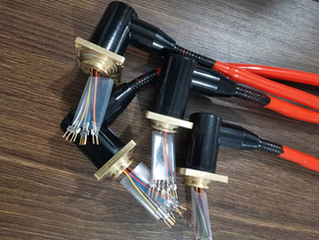
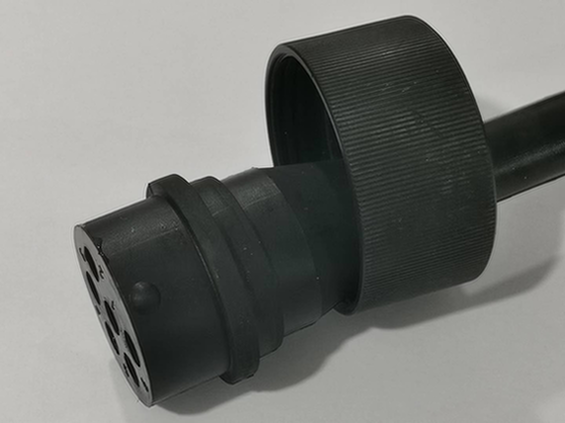
All HYSF technical datasheets show the “Face View” of the connector (looking directly at the pins/sockets).Male Face View: Typically counts Clockwise from Pin 1 (marked with a white dot or ridge).Female Face View: Typically counts Counter-Clockwise.Please double-check the diagram specific to your connector series (Micro vs. Standard) before soldering or wiring.

Wiring errors can damage expensive ROV electronics.

  • Pin 1 Identification: On the physical connector, Pin 1 is usually identified by a raised bump or a painted dot on the rubber body.
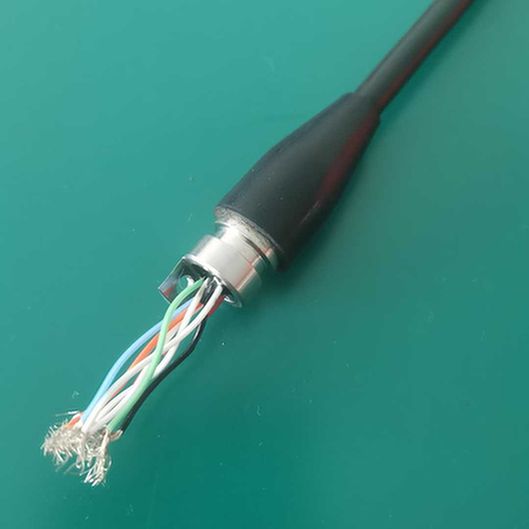
  • Wiring Color Code: We follow a standard color code (e.g., Pin 1 = Black, Pin 2 = White). The specific mapping is listed in the “conductor configuration” table of our catalog.
  • Validation: Always use a multimeter to check continuity from the pin to the wire end before connecting power.
Picture of John Zhang

John Zhang

(CEO & Lead Engineer)
Email: info@hysfsubsea.com
With over 15 years of expertise in subsea interconnect technology, I lead HYSF's R&D team in designing high-pressure (60MPa) solutions. My focus is on ensuring zero-leakage reliability for ROVs, AUVs, and offshore instrumentation. I personally oversee the validation of our custom connector prototypes.

Have a complex technical question?

Proven Solutions in the Field

A showcase of our successful collaborations with global marine robotics, energy, and research partners. Every project reflects our commitment to zero-leak integrity and operational reliability.

Start Your Subsea Project with HYSF

Whether you need a quick quote for standard connectors or a complex custom cable assembly, our engineering team is ready to assist. Expect a technical response within 12 hours.

John Zhang

CEO

Jason Liu
Kevin Wang
Cindy Chen
Lily Li
Contact Form Demo