Quick Answer
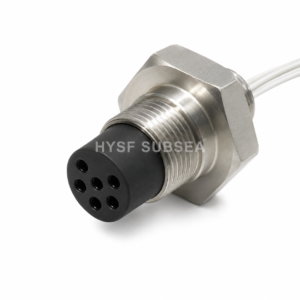
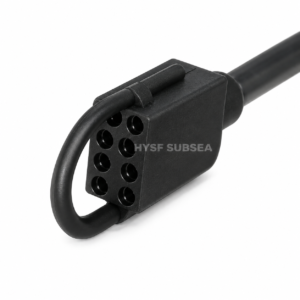
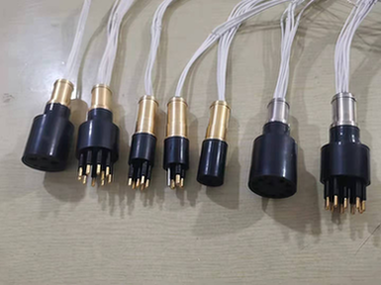
Common causes: debris in coupling, damaged threads, misaligned keys, wrong connector gender, or worn contacts. Clean both halves, inspect for damage, verify alignment keys match, and ensure correct mating technique. Don’t force it.
Troubleshooting Checklist
Step 1: Visual Inspection
- ✅ Check for visible debris or contamination
- ✅ Inspect threads for damage or cross-threading
- ✅ Verify alignment keys are intact
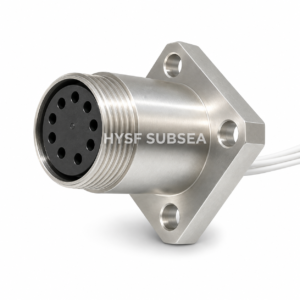
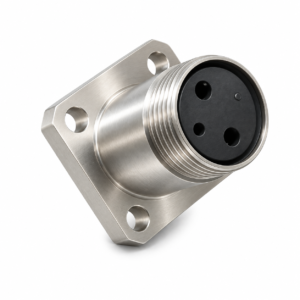
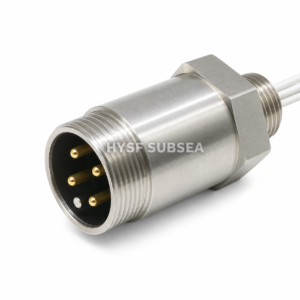
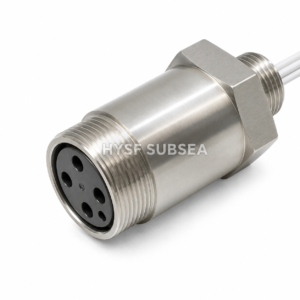
- ✅ Confirm correct gender (pin to socket)
Step 2: Cleaning
- Rinse with fresh water (if saltwater exposed)
- Use compressed air to remove debris
- Clean with isopropyl alcohol if needed
- Dry thoroughly before mating
Step 3: Alignment Check
- Verify keyway alignment before threading
- Ensure connectors are straight (not angled)
- Check for bent pins or contacts
Common Mating Issues
| Symptom | Likely Cause | Solution |
|---|---|---|
| Won’t start threading | Cross-threaded or misaligned | Back off, realign, try again |
| Hard to turn | Debris or damaged threads | Clean, inspect, lubricate if needed |
| Won’t fully seat | Obstruction or wrong connector | Check for debris, verify compatibility |
| Loose after mating | Worn threads or incomplete mating | Inspect threads, ensure full engagement |
Proper Mating Technique
- Clean both connector halves
- Inspect O-rings and lubricate if needed
- Align keyways before engaging threads
- Hand-tighten until snug (don’t use tools yet)
- Apply final torque per specifications
- Verify locking mechanism engaged
When to Stop
If you encounter significant resistance:
- ⚠️ Stop immediately
- ⚠️ Don’t apply excessive force
- ⚠️ Back off and investigate
- ⚠️ Contact technical support if unsure
Contact Us
Technical support: [email protected]